

Create a new text message
To start a new Text Campaign:- Navigate to Campaigns from your Privy dashboard.
- Select New text message.
Name your campaign
- At the top of the screen, click to edit and update your campaign’s title. This is internal only and to keep you organized!
Write your text message
Under Text Message Content, start to type out and write your message. A preview of your message will appear on the right side.Personalization Tags
To personalize your message with your contact’s name, your Business Name, your Business URL, or a Coupon Code, click on the Personalization Tags menu above your message’s content:Short Links
By default, any link included in your text messages will automatically be shortened and tracked. Shortening your link will help drive more traffic to your site, allow for link click tracking, and enable revenue attribution for this text message. It’s not recommended, but you can toggle this setting off if needed. Once you’re happy with your message’s content, click Save Changes.Edit your settings
Audience
Below your Text Message Content, you’ll be able to select whether you want to send your text to All Contacts, or if you’d prefer to send to a Custom or Smart Segment. You also have the option to exclude segments as well. If you make any adjustments to this setting, be sure to click Save Changes.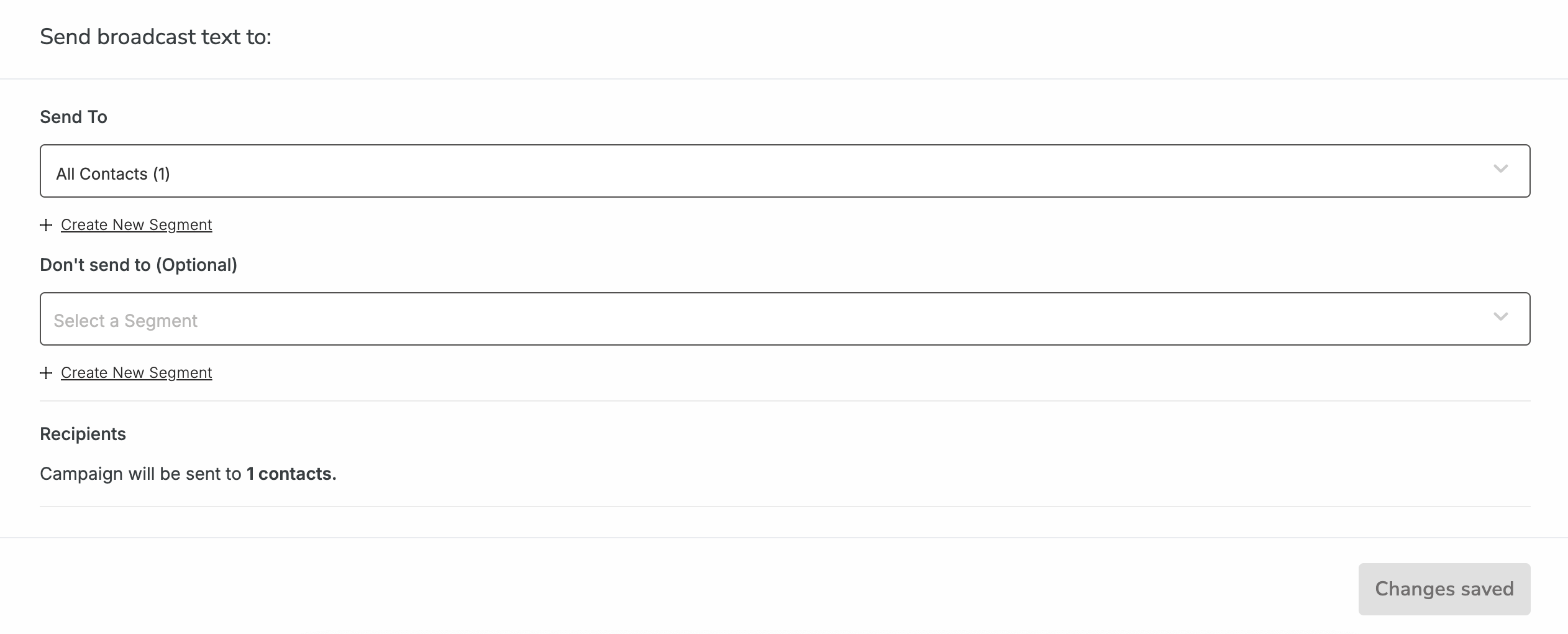
Coupon Code
If you are including a coupon code personalization tag in your text message, make sure that you attach the desired coupon in this section and Save Changes.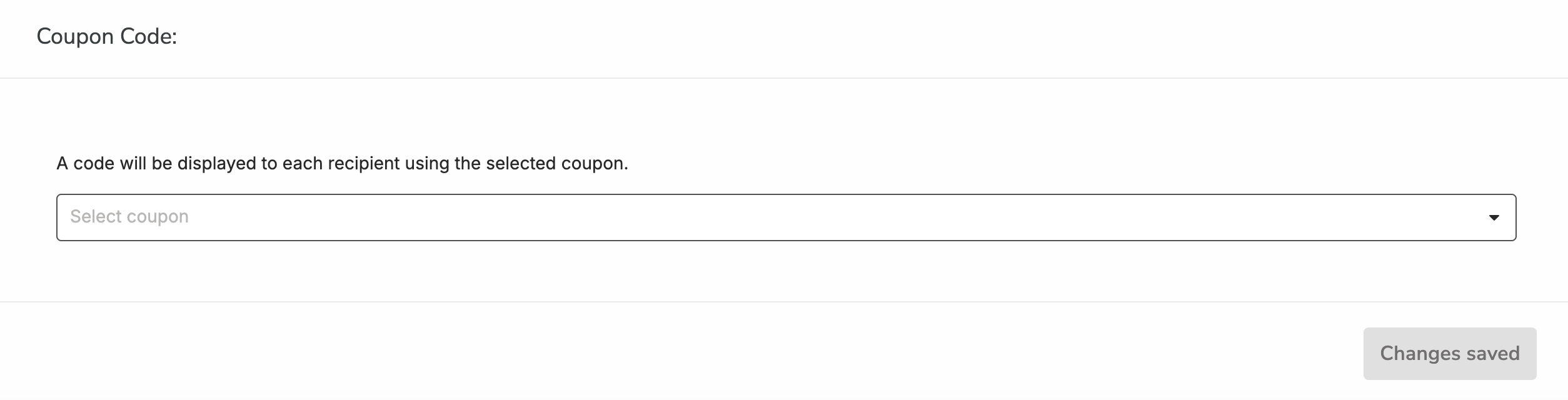
Send or Schedule your campaign
Once you’re happy with your text message content and your settings, you’re ready to send or schedule your campaign. By clicking Send, you’ll be sending the message immediately and will be prompted to confirm your decision. By clicking Schedule, you’ll be able to specify the date and time you’d like your message to send in the future.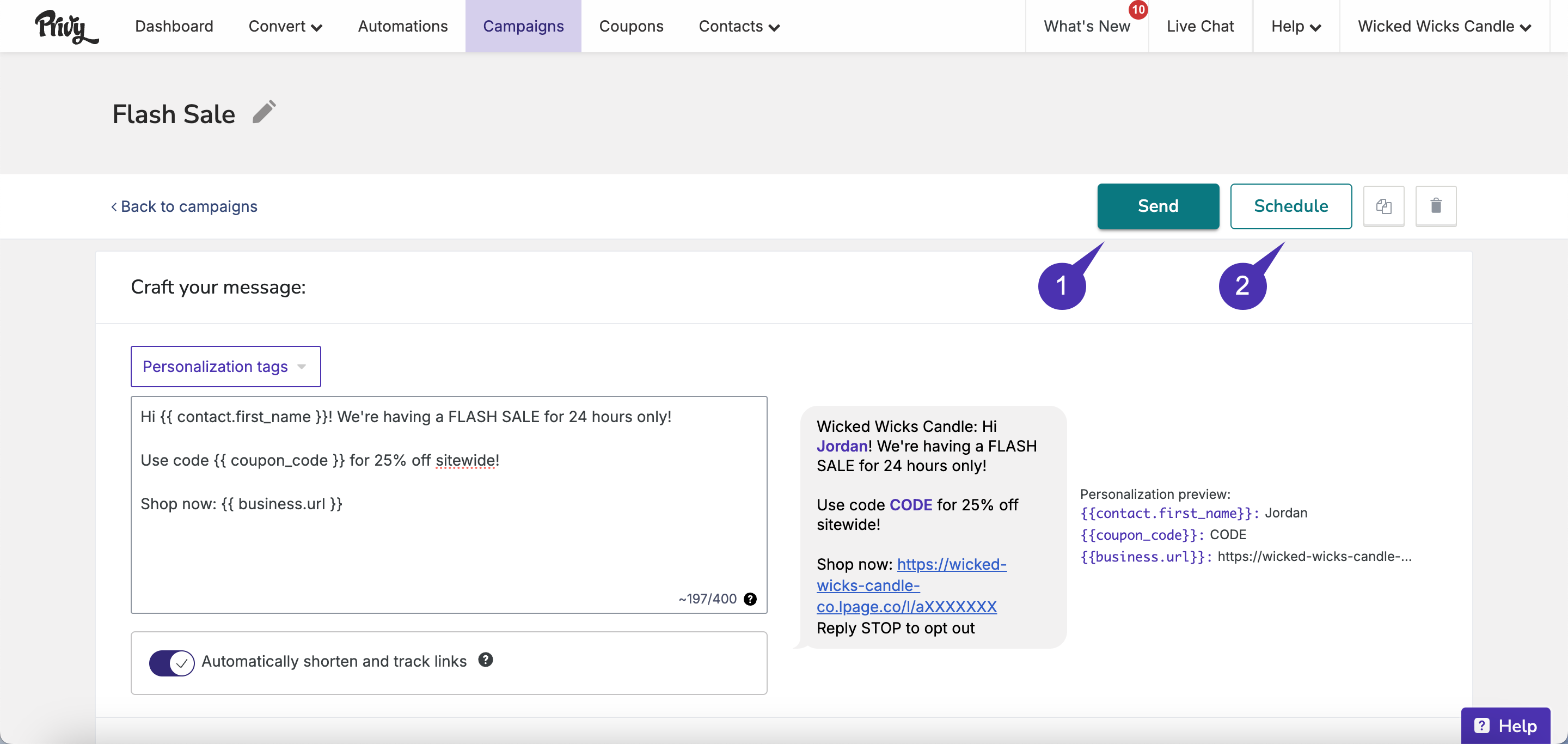 Can I unschedule a text campaign?
Yes! Head to Campaigns, locate your scheduled message, and click the Unschedule button to revert your campaign to a draft status:
Can I unschedule a text campaign?
Yes! Head to Campaigns, locate your scheduled message, and click the Unschedule button to revert your campaign to a draft status:
 After your campaign is sent, you can review its performance at any time.
Text message guidelines
SMS is a tightly regulated channel, which means there are more limitations in place than there are for email marketing. Keep the following guidelines in mind when writing and sending your text messages:Compliance Requirements
Compliance Requirements
The business name and Reply STOP to opt out are required for each message. Update your business name in Business Settings.
Quiet Hours
Quiet Hours
Quiet hours are enforced from 8 PM to 9 AM in the recipient’s time zone, subject to regulations. Messages outside these hours will be queued.
Character Count
Character Count
For optimal readability, keep messages under 240 characters.